
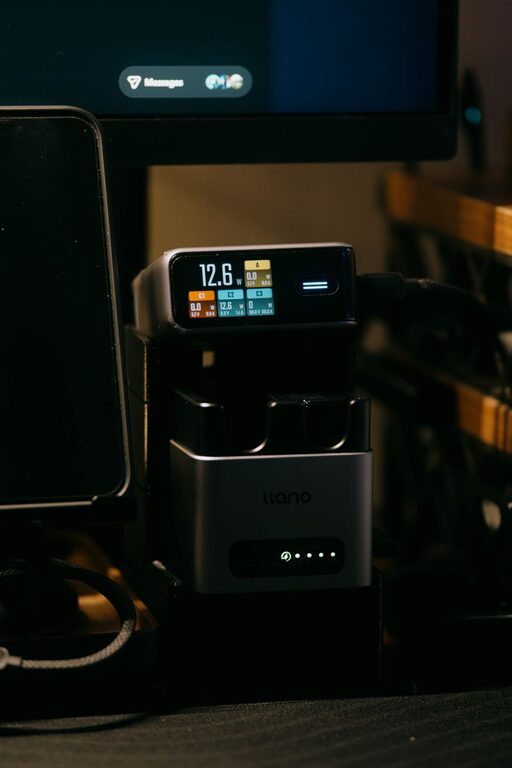
A dedicated charging station can make daily life easier. Instead of searching for loose cables or using every outlet in the room, you can keep phones, tablets, watches, earbuds, and other devices together in one convenient location.
The best charging station does more than reduce clutter. It also helps protect your devices, keeps cables in good condition, and makes it easier to remember which items need power. With a few simple choices, you can create a setup that fits your space and routine.
Choose the Right Location
Start by selecting a practical location for your charging station. The area should have easy access to a wall outlet and enough space for the devices you plan to charge.
Good locations may include:
– A desk or home office shelf
– A bedside table
– An entryway console
– A kitchen counter
– A living room side table
– A dedicated shelf or cabinet
Choose a spot that is easy to reach but does not interrupt normal activities. Avoid placing the station where people may trip over cords or where spilled liquids are likely.
The surface should be stable and large enough to hold your charging equipment. If several people will use the station, choose a location that can handle multiple devices without becoming crowded.
Decide Which Devices Belong There
Before buying accessories, make a list of the devices you want to charge. This helps you avoid purchasing equipment you do not need.
Common items include:
– Smartphones
– Tablets
– Smartwatches
– Wireless earbuds
– E-readers
– Cameras
– Portable game systems
– Wireless headphones
– Fitness trackers
– Portable speakers
Think about how many devices need power at the same time. A station for one person may only need two or three charging ports, while a family station may need six or more.
Also check the charging connector used by each device. Many newer products use USB-C, while some older devices may use USB-A, Lightning, or a special charging dock. Keeping a short list of connector types will make it easier to choose the right hub and cables.
Select a Suitable Power Setup
A multiport charging hub can reduce the number of adapters plugged into the wall. Choose a reputable product with enough ports for your needs and clear information about its power output.
When comparing charging hubs, look for:
– The number and type of ports
– Compatibility with your devices
– Safety certifications
– Overheating protection
– Overcurrent protection
– A reliable brand and warranty
– A cable long enough for your setup
A power strip may also be useful, especially if you need to connect a laptop charger, a watch dock, or another device that uses its own adapter. Select a power strip with built-in safety features and enough capacity for the equipment you plan to use.
Avoid connecting one power strip to another. This can create unnecessary electrical risks and make it harder to identify problems. Do not use damaged adapters, frayed cords, or chargers that become unusually hot during normal use.
Organize the Cables
Cable management is one of the most important parts of a charging station. Without it, even a neat surface can quickly become tangled.
Use simple tools such as:
– Adhesive cable clips
– Reusable hook-and-loop ties
– Cable sleeves
– Cord labels
– Small cable boxes
– Charging docks with built-in slots
Attach cable clips near the back edge of the station so each connector stays in place. This prevents cables from sliding behind furniture when they are unplugged.
Labeling cables can also help, especially when several look alike. Use labels such as “tablet,” “watch,” or “headphones.” For a shared station, color-coded ties can make it easier for each person to find the right cable.
Leave a little extra length so the cable can reach the device comfortably. However, avoid long loops that can catch on objects or become tangled.
Add Storage for Small Devices
Small devices are easy to lose when they are placed directly on a desk or counter. Add trays, baskets, or divided organizers to give each item a designated place.
A charging dock with separate slots can hold phones and tablets upright. A small tray can keep earbuds, watches, and fitness trackers together. If the station is in a shared area, use labeled sections for different household members.
Make sure the storage does not block ventilation around chargers. Do not cover power adapters with clothing, papers, or other materials. Chargers should have enough open space around them to release heat.
If you prefer a hidden station, consider using a ventilated drawer or an open shelf. Avoid sealing chargers inside a completely enclosed box, since heat can build up during charging.
Keep the Station Safe
Safety should be part of the design from the beginning. Place the station away from water, heat sources, and areas where children or pets may pull on cords.
Follow these basic safety habits:
– Use chargers designed for your devices.
– Replace cables that are cracked, bent, or frayed.
– Keep chargers away from liquids.
– Do not cover charging adapters.
– Unplug equipment that shows signs of damage.
– Avoid charging on soft surfaces such as beds or couches.
– Keep cords away from walkways.
– Check that plugs fit securely in the outlet.
Some devices and chargers may feel warm while operating. However, disconnect equipment if it becomes unusually hot, smells unusual, makes noise, or shows signs of melting or discoloration.
For overnight charging, use quality equipment and place devices on a hard, open surface. Avoid placing a phone or charger under a pillow or blanket.
Consider Wireless Charging
Wireless charging can reduce cable clutter and make it easier to place a phone on the station. It works well for compatible phones, earbuds, and other accessories.
A wireless charger should sit on a flat, stable surface. Keep the charging area clear of coins, keys, cards, and other metal objects. Remove thick cases or accessories if they interfere with charging.
Wireless charging may be slower than a wired connection, and the device may become warm during use. If a device does not charge reliably, check that it is centered correctly and that both the charger and device support the same charging standard.
You do not need to make the entire station wireless. A combination of a wireless pad and a few organized cables can provide flexibility for different devices.
Create a Simple Daily Routine
A charging station works best when everyone uses it consistently. Choose a routine that matches your schedule.
For example:
- Place devices on the station when you return home.
- Connect items that need charging.
- Remove fully charged devices in the morning.
- Return cables to their clips or storage slots.
- Check the station once a week for damaged equipment.
Avoid leaving every device connected all the time if it is not necessary. Follow the manufacturer’s instructions for battery care, especially for older devices or equipment with removable batteries.
Maintain the Setup
Review your charging station every few months. Remove cables for devices you no longer use and replace items that are worn out. Dust can collect around outlets, hubs, and cable connections, so clean the area with the power disconnected.
As your device collection changes, update the station rather than adding more clutter. A small adjustment, such as replacing several old adapters with one suitable multiport charger, can improve both appearance and convenience.
A well-planned charging station should be easy to use, easy to clean, and easy to understand. By choosing a safe location, using reliable equipment, organizing cables, and creating a consistent routine, you can keep everyday devices powered without turning your home into a maze of cords.